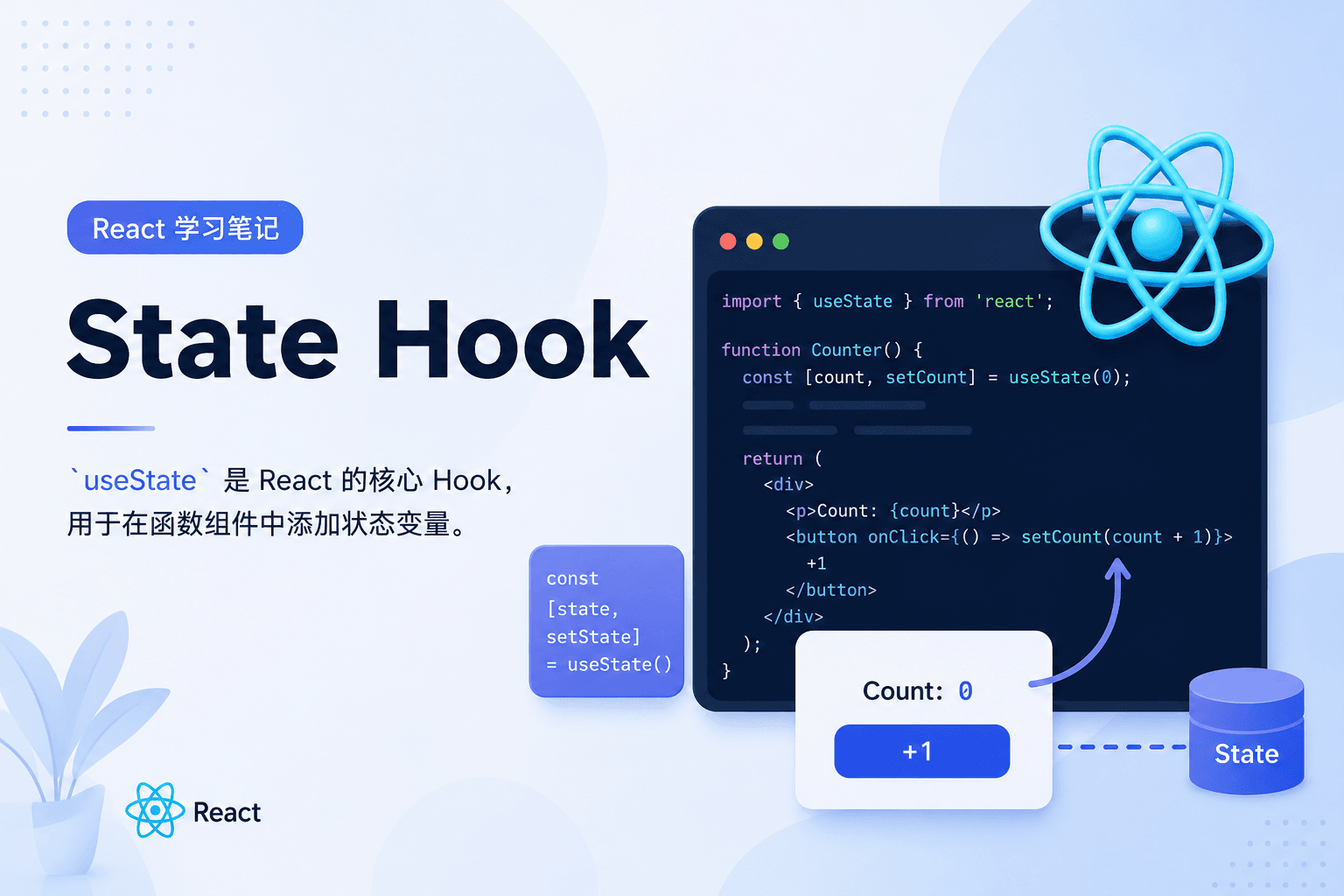
React 学习笔记:State Hook
发布于: 2026-06-03 17:15:59 更新于: 2026-06-03 17:15:59
useState 基础
基本用法
useState 是 React 的核心 Hook,用于在函数组件中添加状态变量。
import { useState } from "react";

function Counter() {
  // 声明状态变量 count,初始值为 0
  const [count, setCount] = useState(0);

  return (
    <div>
      <p>你点击了 {count} 次</p>
      <button onClick={() => setCount(count + 1)}>点击我</button>
    </div>
  );
}
关键点:
- 在组件顶层调用
useState - 使用数组解构命名状态变量和更新函数
- 可以声明多个独立的状态变量
参数说明
useState(initialState) 接收一个参数:
- initialState:状态的初始值,可以是任意类型(数字、字符串、对象、数组等)
- 首次渲染后,该参数会被忽略
- 惰性初始化:如果初始值计算昂贵,可以传递函数
// 直接传递值
const [count, setCount] = useState(0);

// 传递函数(惰性初始化)
const [data, setData] = useState(() => {
  return expensiveComputation();
});
返回值
返回一个包含两个元素的数组:
- 当前状态值:首次渲染时与
initialState一致 - set 函数:用于更新状态,接收新值或更新函数
const [state, setState] = useState(initialState);
//      ↓         ↓
//  当前状态值   更新函数
状态更新方式
1. 直接传值
const [count, setCount] = useState(0);

// 直接传递新值
setCount(5);
setCount(count + 1);
2. 使用更新函数
const [count, setCount] = useState(0);

// 传递函数,接收当前状态作为参数
setCount((prevCount) => prevCount + 1);
重要区别:连续多次更新时
// ❌ 错误:直接传值会被批处理
function handleClick() {
  setCount(count + 1); // 使用旧值
  setCount(count + 1); // 还是使用旧值
  setCount(count + 1); // 最终只加 1
}

// ✅ 正确:使用更新函数可以累加
function handleClick() {
  setCount((prev) => prev + 1); // 0 → 1
  setCount((prev) => prev + 1); // 1 → 2
  setCount((prev) => prev + 1); // 2 → 3
}
常见使用场景
1. 数字计数器
function Counter() {
  const [count, setCount] = useState(0);

  return <button onClick={() => setCount(count + 1)}>点击次数: {count}</button>;
}
2. 文本输入
function TextInput() {
  const [text, setText] = useState("");

  return (
    <input
      value={text}
      onChange={(e) => setText(e.target.value)}
      placeholder="请输入..."
    />
  );
}
3. 布尔开关
function Toggle() {
  const [isOn, setIsOn] = useState(false);

  return <button onClick={() => setIsOn(!isOn)}>{isOn ? "开" : "关"}</button>;
}
4. 对象状态
function UserForm() {
  const [user, setUser] = useState({
    name: "",
    age: 0,
  });

  // ✅ 正确:使用展开运算符创建新对象
  const updateName = (newName) => {
    setUser({ ...user, name: newName });
  };

  // ❌ 错误:直接修改原对象(mutation)
  // user.name = newName;
  // setUser(user);

  return (
    <input value={user.name} onChange={(e) => updateName(e.target.value)} />
  );
}
5. 嵌套对象
const [form, setForm] = useState({
  user: {
    name: "",
    address: {
      city: "",
      street: "",
    },
  },
});

// ✅ 正确:逐层复制并更新
const updateCity = (newCity) => {
  setForm({
    ...form,
    user: {
      ...form.user,
      address: {
        ...form.user.address,
        city: newCity,
      },
    },
  });
};
6. 数组状态
function TodoList() {
  const [todos, setTodos] = useState([]);

  // 添加
  const addTodo = (text) => {
    setTodos([...todos, { id: Date.now(), text }]);
  };

  // 删除
  const removeTodo = (id) => {
    setTodos(todos.filter((todo) => todo.id !== id));
  };

  // 更新
  const updateTodo = (id, newText) => {
    setTodos(
      todos.map((todo) => (todo.id === id ? { ...todo, text: newText } : todo)),
    );
  };
}
7. 使用 Immer 简化复杂更新
import { useImmer } from "use-immer";

function Form() {
  const [form, updateForm] = useImmer({
    user: { name: "", address: { city: "" } },
  });

  // 可以直接"修改" draft,底层自动执行不可变更新
  const updateCity = (newCity) => {
    updateForm((draft) => {
      draft.user.address.city = newCity;
    });
  };
}
重要注意事项
1. 调用位置限制
useState 只能在组件顶层或自定义 Hook 中调用:
// ❌ 错误:不能在循环、条件或嵌套函数中调用
function BadComponent() {
  if (condition) {
    const [state, setState] = useState(0); // 错误!
  }
}

// ✅ 正确:在组件顶层调用
function GoodComponent() {
  const [state, setState] = useState(0);

  if (condition) {
    // 可以在这里使用 state
  }
}
2. 状态更新时机
set 函数不会立即改变当前渲染中的状态:
function handleClick() {
  setCount(count + 1);
  console.log(count); // 仍然是旧值!

  // 需要新值?保存到变量中
  const newCount = count + 1;
  console.log(newCount); // 新值
}
3. 相同值跳过渲染
如果新值与旧值相同(使用 Object.is 比较),React 会跳过重新渲染:
const [count, setCount] = useState(0);

// 不会触发重新渲染
setCount(0);

// 会触发重新渲染
setCount(1);
4. 批量处理
React 会在事件处理函数执行完毕后批量更新状态:
function handleClick() {
  setCount((c) => c + 1);
  setFlag((f) => !f);
  // React 会批量处理这两个更新,只触发一次渲染
}
5. 严格模式下的双重调用
在开发环境中,严格模式下初始化函数和更新函数会被调用两次:
// 开发环境下会打印两次
useState(() => {
  console.log("初始化");
  return 0;
});
标签分类
# React# 前端